
If you receive an error message such as “eSIM Cannot Be Added – The code is no longer valid” when attempting to install the eSIM…
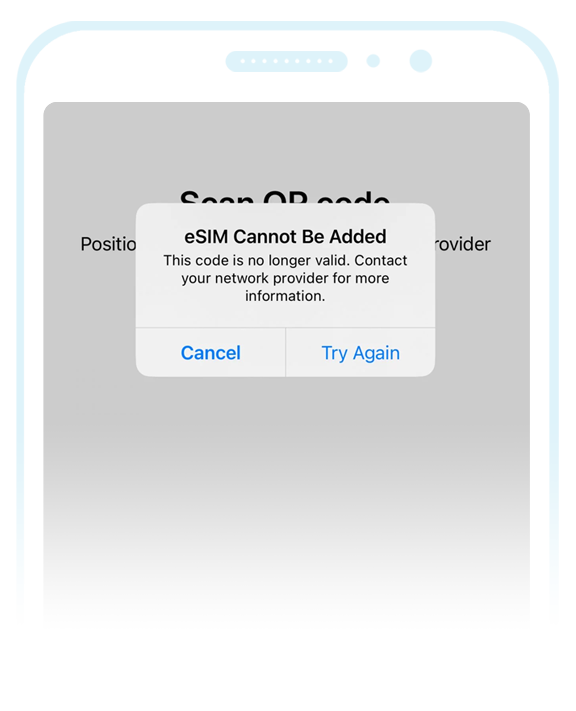
It could be for the following reasons –
- It could indicate that the eSIM has already been installed on your device (due to a ‘Push Notification’) and so as a precaution, we would recommend that you review the ‘SIM Management’ section on your device check if the eSIM is already installed. If the eSIM is already visible in this section, manual installation will no longer be required.
- It could indicate that you are attempting to install the eSIM on a device that has not been fully unlocked. As a precaution, you may need to check with the original retailer / service provider you purchased the device from (to ensure it’s fully unlocked to accept SIM Cards / eSIMs from alternative service providers).
- It could also indicate that the eSIM was previously installed on the device but it has since been deleted. If the eSIM has been deleted, please refer to the information found here: Deleted eSIM Guide
If the eSIM has been successfully installed (i.e. it’s visible on your device in the ‘SIM Management’ section) but the eSIM status is listed as “Activating…” (or you’re receiving an error message such as “Activation Failure“, “Connecting to network…” or “Unable to activate“) however, please do not delete the eSIM and refer to the following guide: eSIM Status Guide