
If you have purchased a Data-Only eSIM but you would like to allow someone else to install it on their device, simply follow the steps below –
1. As the data-only eSIM is linked to your account, you will still be required to submit the activation request directly from your personal account: www.mobal.com/myaccount
2. Once you have logged in to your account, please follow the instructions found here to submit an activation request: Activation Guide
3. When the eSIM is ready for installation, you will receive a confirmation email (with the subject “Your Mobal eSIM is ready!”) as shown in the example below –
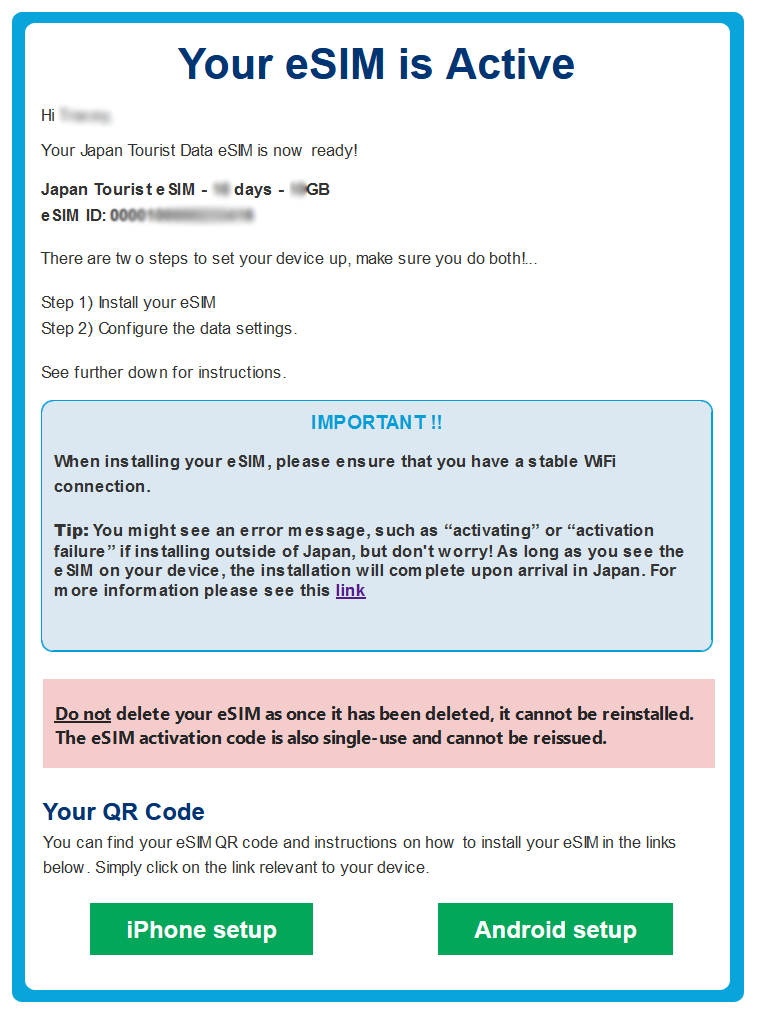
Please note that this email will be sent directly to the email address associated with your Mobal account.
4. This email will contain instructions on how to install the eSIM / configure the device (and a link to the QR code for installation) and so once you have received this email, you can simply forward it on to the person that will be using the eSIM.
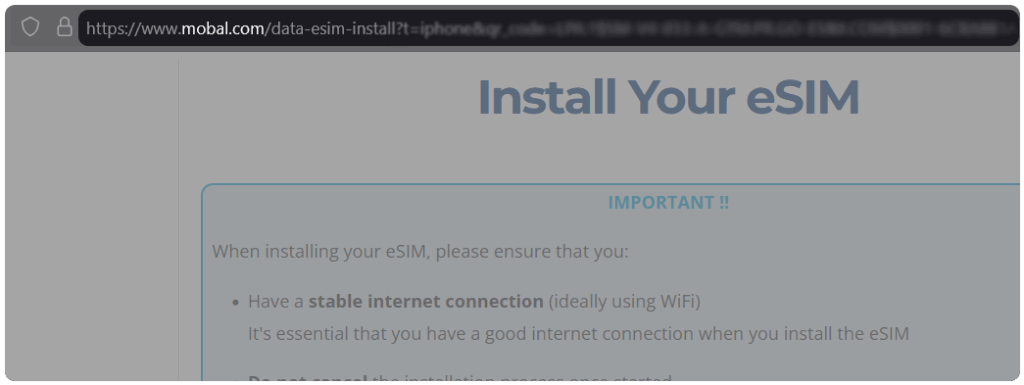
5. Alternatively, you can click on the “iPhone Setup” or “Android Setup” button (which will take you to a direct link containing instructions and the QR code), copy the URL from the address bar and then forward this URL on to the relevant person –
6. If the person that will be using the eSIM is with you however, you could simply open the email on your device and then show them the QR code (and the relevant instructions) so that they can scan the QR code directly from your device.
Please be advised that our Data-Only eSIM products are only intended for one-time use and so once the eSIM has been installed, it will not be possible to transfer the eSIM to another device (or reinstall the eSIM if it is deleted from the device).